Choosing music for each part of the day in your venue
A practical plan for matching background music to mornings, lunch, afternoons and evenings, with list ideas, volume tips and how to run it by hand on Nova.
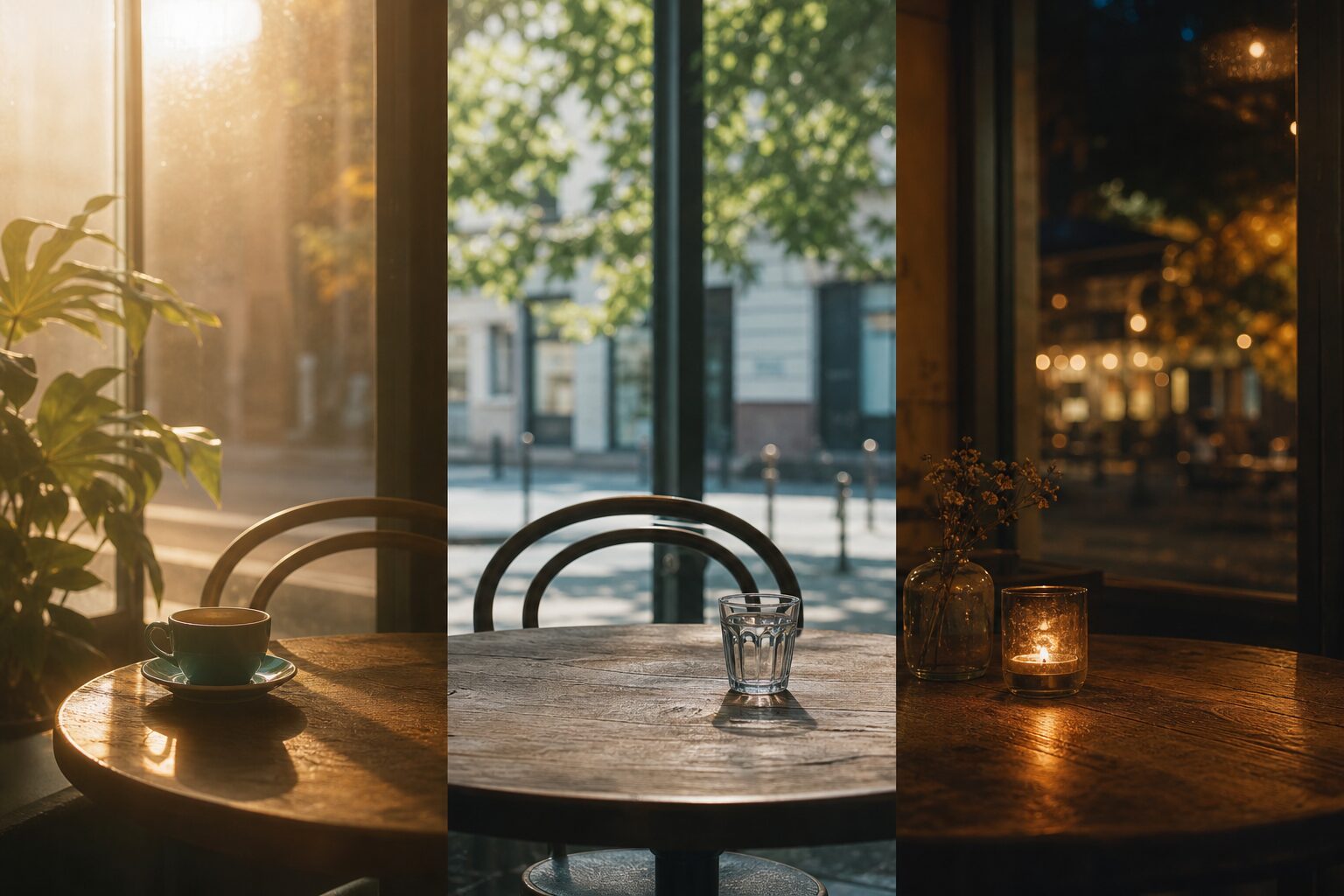
The simplest way to match music to the time of day is to keep a small set of lists, one for each part of your trading day, and switch between them at agreed times. A calm morning list, a brighter midday list, a steady afternoon list and a relaxed evening list cover most venues. With Nova Business you build and keep these lists yourself and change them by hand; there is no automatic scheduling. This article explains how to plan the day, what each part usually calls for and how to make the routine easy for staff.
Why change the music during the day?
Your venue is not the same place at 8 in the morning and 8 in the evening. The light changes, the customers change and their needs change. A commuter grabbing coffee wants something different from a couple lingering over dinner. Music that suits one moment can feel wrong in another: energetic tracks at breakfast can grate, and sleepy music during a lunch rush can make the room feel slow. Matching music to the time of day keeps the atmosphere in step with what is actually happening.
Step 1: Map your trading day
Before choosing any music, write down how your day really runs. For each block, note the time, how busy it is and who is there.
| Part of day | Typical mood | Music direction |
|---|---|---|
| Opening and morning | Waking up, quiet, routine | Calm, warm, mostly instrumental, lower volume |
| Midday and lunch | Busy, social, quick | Brighter and more rhythmic, moderate volume |
| Afternoon | Slower, focused or browsing | Steady, unobtrusive, easy to work or shop to |
| Evening | Relaxed, social, lingering | Warmer, more character, adjusted to the room |
| Closing | Winding down | Softer, slower, a gentle signal that the day is ending |
Not every venue needs all five. A clinic may need only a calm list for the whole day; a café-bar may need every one.
Step 2: Build one list per block
Create a separate list for each block and name it clearly, for example "Morning", "Lunch", "Afternoon" and "Evening". Clear names make it obvious to staff which list belongs where. With Nova Business you have three ways to fill each list:
- Start from a business playlist curated by Nova for venues such as cafés, restaurants, shops and hotels, and add or remove songs to suit your block.
- Pick by mood, since every track is analysed for mood. Calm, gentle songs suit mornings, happy or exciting ones suit busier periods, tender music can suit a restaurant in the evening, and quiet instrumentals suit offices and slow afternoons.
- Build your own playlist from the catalogue, checking songs with 30-second previews and using genre and mood pages such as jazz to find tracks that sit together.
Aim for enough songs to avoid obvious repetition in each block. For a three or four hour block, a longer list is better, so that regular customers and staff do not hear the same song twice in a shift.
Step 3: Decide when to switch
Because lists are changed by hand, pick switch times that are easy to remember and tie them to something that already happens, such as the start of lunch service or the shift change. Two or three switches a day is plenty for most venues. Write the plan down and keep it near the device that plays the music:
- Opening: start "Morning" at the agreed volume.
- Around the start of lunch: switch to "Lunch" and raise the volume slightly.
- After the lunch rush: switch to "Afternoon".
- Early evening: switch to "Evening" and check the volume once the room fills.
If a switch is missed now and then, it is not a disaster. The point is a general rhythm through the day, not precision to the minute.
Step 4: Make it easy for staff
The plan only works if the people on shift can follow it. In Nova Business all devices at a venue play the same music in sync, so whoever is on shift can switch lists on the venue's computer or tablet and the change applies everywhere. A few habits help:
- Show each new team member where the lists are and when to change them.
- Agree a sensible volume range for each block, and who can change it.
- Keep personal phones and personal accounts off the sound system; a free personal account is not licensed for business use.
Step 5: Check and refine
After a couple of weeks, look at what actually happened. The statistics in Nova Business show listening time per venue and the most played songs for the last 30 days. If the songs from one list hardly appear among the most played, perhaps staff are not switching to it; if a song keeps coming up in feedback, keep it or drop it. Small adjustments every month keep the music feeling fresh.
Examples by venue type
Café
Gentle acoustic or piano in the morning, something a little brighter through lunch, steady and unobtrusive in the afternoon for people working on laptops. The café page shows the kind of music that fits.
Restaurant
Light and moderate at lunch, warmer and slower in the evening to support longer meals. Keep vocals lower when the room is full so conversation stays easy.
Shop
Calm at opening, more energy during peak hours, and a softer list for the last hour. Fit with your brand matters more than following trends.
Office or clinic
One or two calm or focus lists may be enough for the whole day. Steady, instrumental music tends to work best where people need to concentrate or feel at ease.
Why the time of day affects how music works
Tempo and volume influence how quickly people move and how long they stay, which is why the same list can work beautifully in the evening and badly at lunch. Our article on how music shapes customer experience covers the research behind this.
Frequently asked questions
Can Nova Business change playlists automatically by time of day? No. Nova Business does not have scheduling. Keep a separate list for each part of the day and switch between them by hand at agreed times.
How many lists does a venue need for the day? Most venues manage well with two to four: for example morning, lunch, afternoon and evening. Calm settings such as clinics may need only one.
Can my staff change the music? Yes. Whoever is on shift can start and switch lists on the venue's computer or tablet, and because all devices at a venue play in sync, the change applies to every device there.
Can I play different lists in different rooms at the same time? Not within one venue. All devices at the same venue play the same music in sync, so changing the song on one changes it on all of them.