Getting started with Nova: account, apps and your first songs
How to start listening on Lodos Nova: create a free account, choose the web app, iPhone or Android, find songs by genre or mood and save what you like.
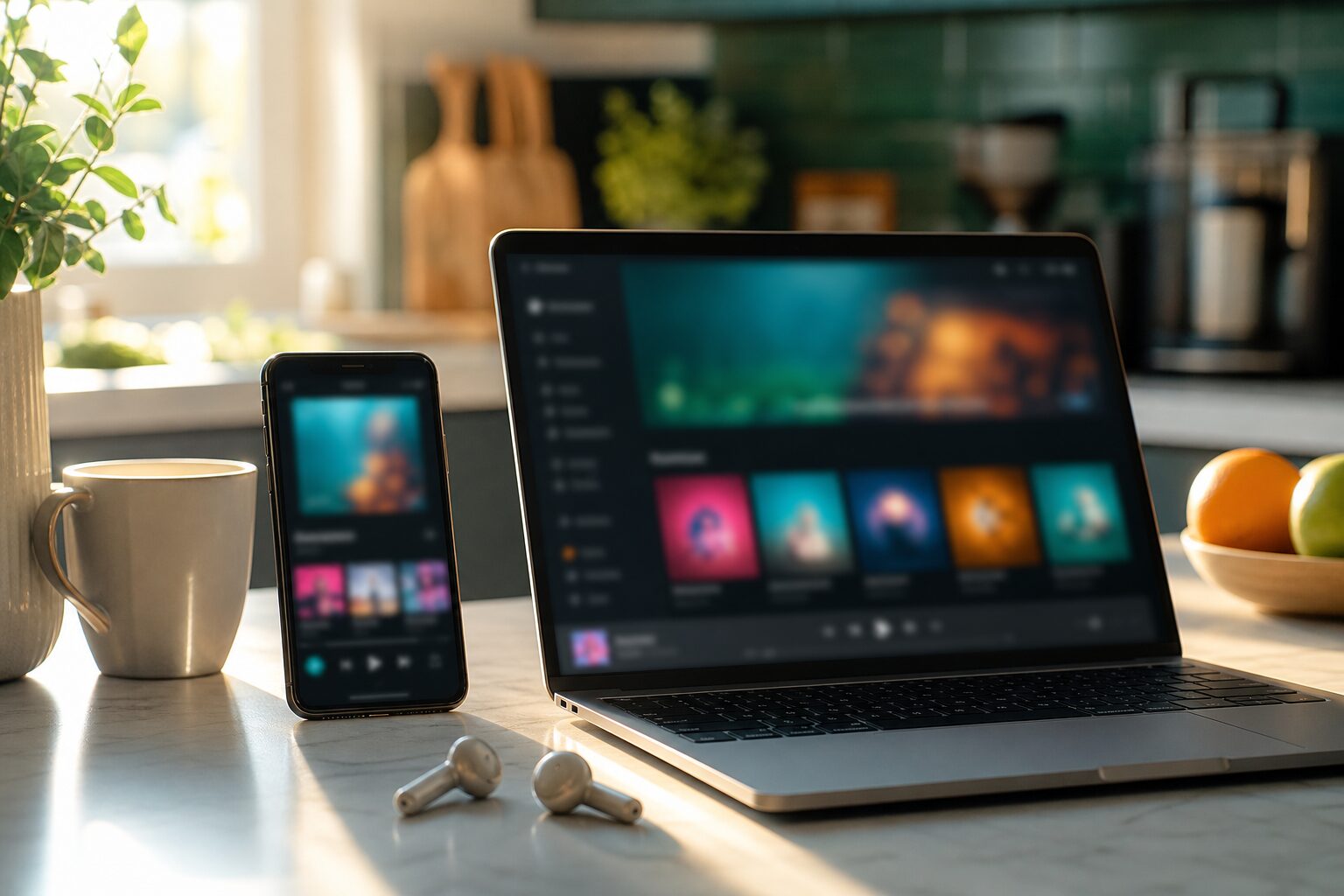
To start listening on Lodos Nova, create a free account, open Nova in your browser or install the app on your iPhone, iPad or Android phone, and press play on any song, playlist or radio station. Listening is free with an account. This guide walks through the first few minutes so you know where everything is and how to make Nova feel like your own.
What is Lodos Nova?
Nova is a music streaming service with its own catalogue. Every song, album and artist you find on it belongs to Loopcode Bilişim Yazılım Mühendislik Eğitim ve Danışmanlık A.Ş. (Lodos Nova), which is why the service can be free for listeners and simply licensed for businesses. The catalogue holds around 1,700 songs across 188 albums by 70 artists, together with about 30 public playlists, five radio stations that play around the clock and three podcasts.
Because the catalogue is our own, you will not find the chart hits you hear on commercial radio. What you will find is a library that has been built and organised with care, where each track is analysed for genre, mood and instruments so that you can reach the right sound quickly.
How do I create an account?
Nova is part of Lodos, so one account works for both. If you already use Lodos, sign in with the same details. If you are new, create an account in a minute and you are ready to listen. There is nothing to pay for listening, and you do not need a card to get started.
- Open Nova on the web, or install the app from the App Store or Google Play.
- Choose to create an account, or sign in if you already have a Lodos account.
- Pick your language. Nova is available in English, Turkish, German, French, Spanish and Italian.
- Press play on something that catches your eye.
Which app should I use?
You can use whichever suits the moment, because your account is the same everywhere. The web app runs in any modern browser on a computer or tablet, which is handy at a desk. The iPhone and iPad app and the Android app are better on the move. Your library, playlists and podcast progress follow you between devices, so a playlist you build on your laptop is waiting on your phone later. You can find the store links on the download page.
How do I find music I will like?
There are several good starting points, and none of them requires you to know an artist's name in advance.
- Genres and moods. Every track has been analysed for genre, mood and instruments. Browse genres and moods to jump straight to, for example, jazz, calm piano or energetic house.
- Public playlists. Around 30 ready-made playlists collect songs around a theme or a feeling. They are an easy way to hear a wide slice of the catalogue.
- Radio. If you would rather not choose at all, tune in to one of the five stations: Rock FM, Lo-Fi FM, Jazz FM, World FM or Prime FM.
- Search. When you know what you are after, search by song, album or artist.
How do I save songs I like?
When a song works for you, like it. Liked songs collect in your library so you can come back to them without searching again. You can also add songs to playlists you create yourself, which is the best way to shape Nova around how you actually listen: one list for work, another for the evening, another for a long drive. Our guide to playlists and your library covers this in more detail.
What is the difference between the website and the app?
The Nova website is a public catalogue. Every song, album, artist, playlist and podcast episode has its own page, and you can play a 30-second preview on each one without signing in. To hear the whole song, you open it in the app with your free account. If you are curious about how previews work, read previews and full listening.
Sharing music with friends
Each song, album and playlist has a share link. When someone opens a link you send, it takes them to the same place in Nova, so they hear exactly what you meant rather than a search result. If they do not have an account yet, they can hear a preview and sign up in a minute.
A few habits that help
- Like songs as you go, even if you are not sure yet. Your library is easy to tidy later.
- Start a playlist for one specific situation rather than one giant list of favourites.
- Try a radio station when you are tired of choosing. It is a good way to discover artists you would not have searched for.
- Follow a podcast you enjoy so new episodes are easy to find.
Using Nova at work or in a shop
A free account is for personal listening. If you want to play music to customers or staff, in a café, shop, office or any other business, you need Nova Business, which includes the licence to play the music in public. You can read more on the Nova Business page.
Frequently asked questions
Is Nova free to use? Yes. Listening is free with a Nova account on the web, iPhone, iPad and Android. Paid Lodos plans offer higher audio quality, but you do not need one to listen.
Can I use my Lodos account on Nova? Yes. Nova is part of Lodos, so the same account signs you in to both.
Why can I only hear 30 seconds on the website? The website offers a 30-second preview of every track. Full songs play in the Nova app once you sign in with your free account.
Can I play my free account in my café? No. Free accounts are for personal use only. Businesses use Nova Business, which includes the public performance licence for Nova music.