Setting up Nova Business: background music for your venue
Step-by-step setup for Nova Business: sign in with your Lodos account, add your venue, connect a browser to your speakers, choose a playlist and read your statistics.
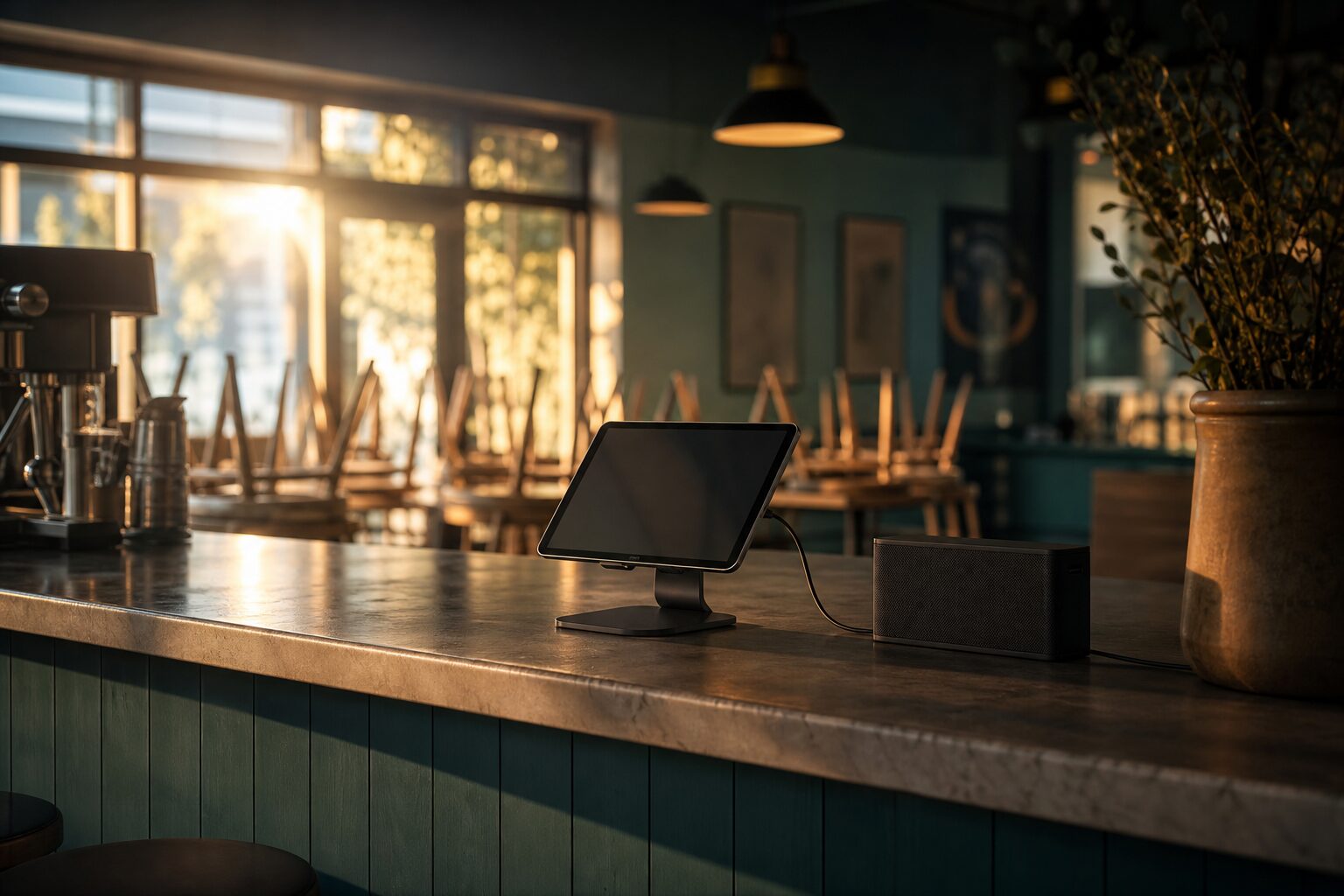
Setting up Nova Business takes a few minutes: sign in to Nova with your Lodos account, open the Business section and start your plan, then play from a browser on a computer or tablet connected to your speakers, choose a business playlist curated by Nova or your own, and press play. A Lodos Basic plan costs $30 per month and includes 1 venue; each extra venue costs $30 per month and is added to the same subscription. Unlimited listening and the public performance licence for Nova music are included. This guide covers each step, plus extra venues, statistics and the limits worth knowing before you start.
What do I need before I start?
- A computer or tablet with a modern browser. Nova Business runs in the browser, so there is no special hardware to buy.
- An internet connection at the venue. Music streams live; there is no offline mode.
- A way to connect to your sound system, such as a cable or the speaker connection you already use.
- A Lodos account and a payment card: you sign in to Nova with your Lodos account, and the Business section needs a paid plan.
Step 1: Sign in and start your plan
Sign in to Nova at lodosnova.com/app with your Lodos account and open the Business section. Start the Lodos Basic plan, which costs $30 per month and includes 1 venue (a Professional plan also includes 1 venue), and give your venue a name. In Türkiye the price is shown in Turkish lira, calculated from the daily Central Bank exchange rate. Full details are on the pricing page.
Step 2: Connect a device to your speakers
Open Nova Business in the browser on the computer or tablet that will play the music, and connect it to your speakers. Test the volume during a quiet moment. A level that sounds right in an empty room often feels too low once guests arrive, so check it again during a busy period.
Step 3: Choose the music
There are three ways to fill the room, and you can mix them.
| Option | How it works | Best when |
|---|---|---|
| Business playlists | Playlists curated by Nova for businesses such as cafés, restaurants, shops and hotels | You want to start right away |
| Browse by mood or genre | Every track is analysed for genre and mood, so you can find songs that feel calm, happy, tender or exciting | You want something fresh for a particular feel |
| Your own playlists | Build lists from the catalogue, using 30-second previews to check songs | You know your sound and want full control |
If you run a café, for example, the café page shows the kind of music the café lists contain.
Step 4: Add more venues when you need them
Your plan includes 1 venue. When you add another, you are asked to confirm the payment: each extra venue costs $30 per month and is added to the same monthly subscription. A saved card is charged automatically for the rest of the current month; otherwise you enter a card, which is then saved. Agree simple house rules for each venue: which list to use at which time, and what volume to keep.
Step 5: Plan the day by hand
Nova Business does not switch lists automatically by time of day. Many venues keep two or three lists, for example a calm morning list, a brighter midday list and a relaxed evening list, and ask staff to change them at set times. Our article on choosing music for each part of the day has practical ideas.
Step 6: Check your statistics
The statistics view shows listening time per venue and the most played songs for the last 30 days. It is a quick way to see what actually runs during opening hours and to confirm that music is playing at each venue when it should be.
How the licence works
Loopcode Bilişim Yazılım Mühendislik Eğitim ve Danışmanlık A.Ş. (Lodos Nova) owns all the music in the Nova catalogue, so the subscription includes the right to play it in public at your venue. You do not pay a collecting society for Nova music. If you also play other music, such as the radio or another service, that music still needs its own licences. The licence does not cover broadcasting, using songs in videos or adverts, or venues that are not part of your subscription. If someone asks for written proof, email info@loopcode.co for a licence confirmation letter. The licensing page explains this in full.
What to know about multiple venues
Your plan includes 1 venue, and each extra venue or branch is added to the same monthly subscription at $30 per month; the plan and extra venues are charged together. All devices at the same venue play the same music in sync, so changing the song on one changes it on all of them. There is no multi-zone feature for playing different music in different rooms from one venue. If you reduce your extra venues, the change applies from the next period.
Frequently asked questions
How much does Nova Business cost? A Lodos Basic plan costs $30 per month and includes 1 venue; each extra venue adds $30 per month. Unlimited listening and the public performance licence for Nova music are included. In Türkiye the price is shown in Turkish lira.
Do I need special equipment? No. A computer or tablet with a browser and an internet connection, connected to your speakers, is enough.
Can I cancel Nova Business? Yes, any time. The subscription is monthly and you keep access until the end of the paid month.
Is there a free trial? No. You can listen to 30-second previews of the music before subscribing, and cancel any time after.